Update pyRevit
If pyRevit has been deployed in your environment by an admin, consult with them on how to keep pyRevit updated. Most probably they have an update procedure.
- To keep pyRevit updated, download the new installers and install the new pyRevit version.
- To update the installed extensions, use the Update tool
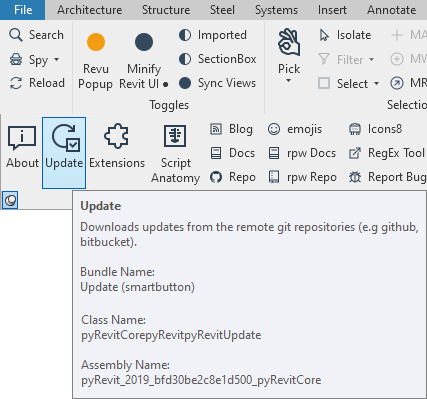
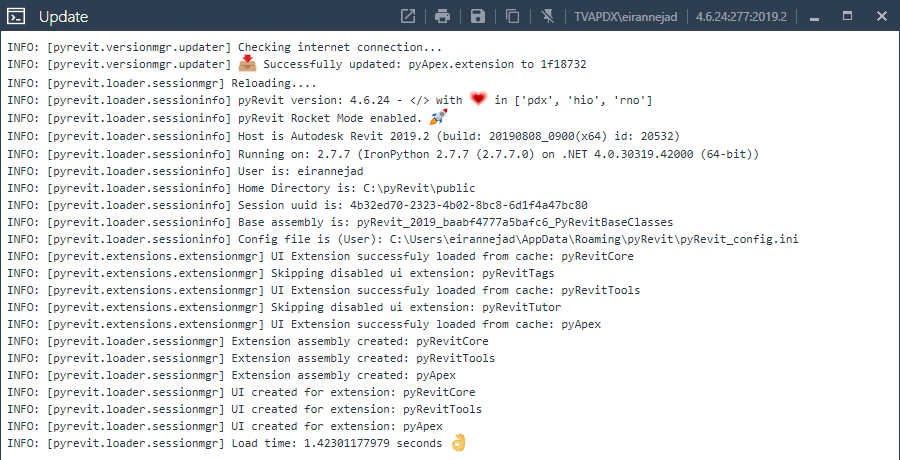
pyRevit will pull the new updates from the remote Git repositories of the installed extensions and will reload automatically. A list of updated packages (📩) is reported if you have the reporting active.
For Developers
If you are a pyRevit developer, see pyRevit CLI for the command-line utility that helps you manage the pyRevit environment and clones.